


The missing graphical interface of Apple Music
Apple Music 缺失的图形界面
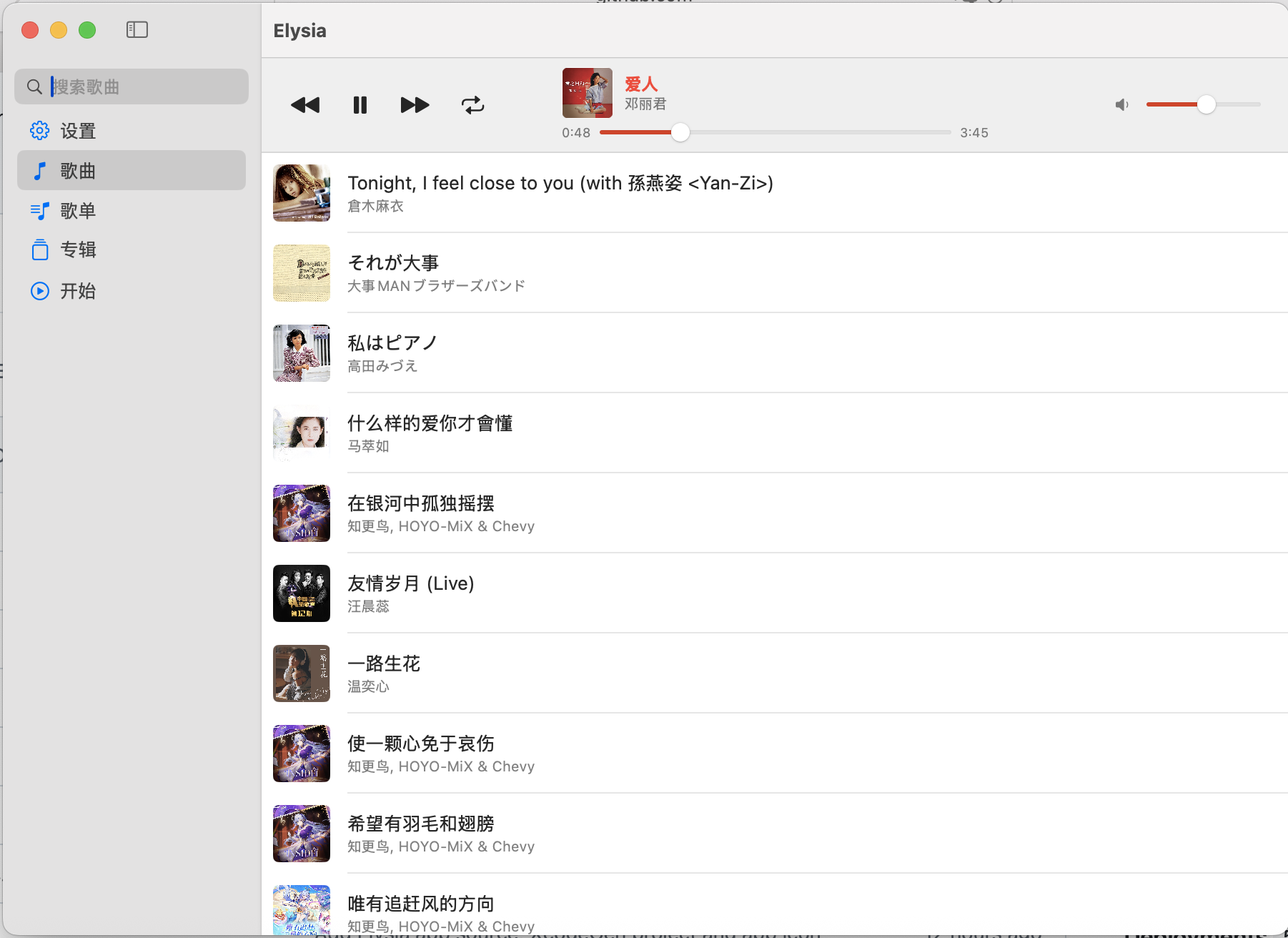
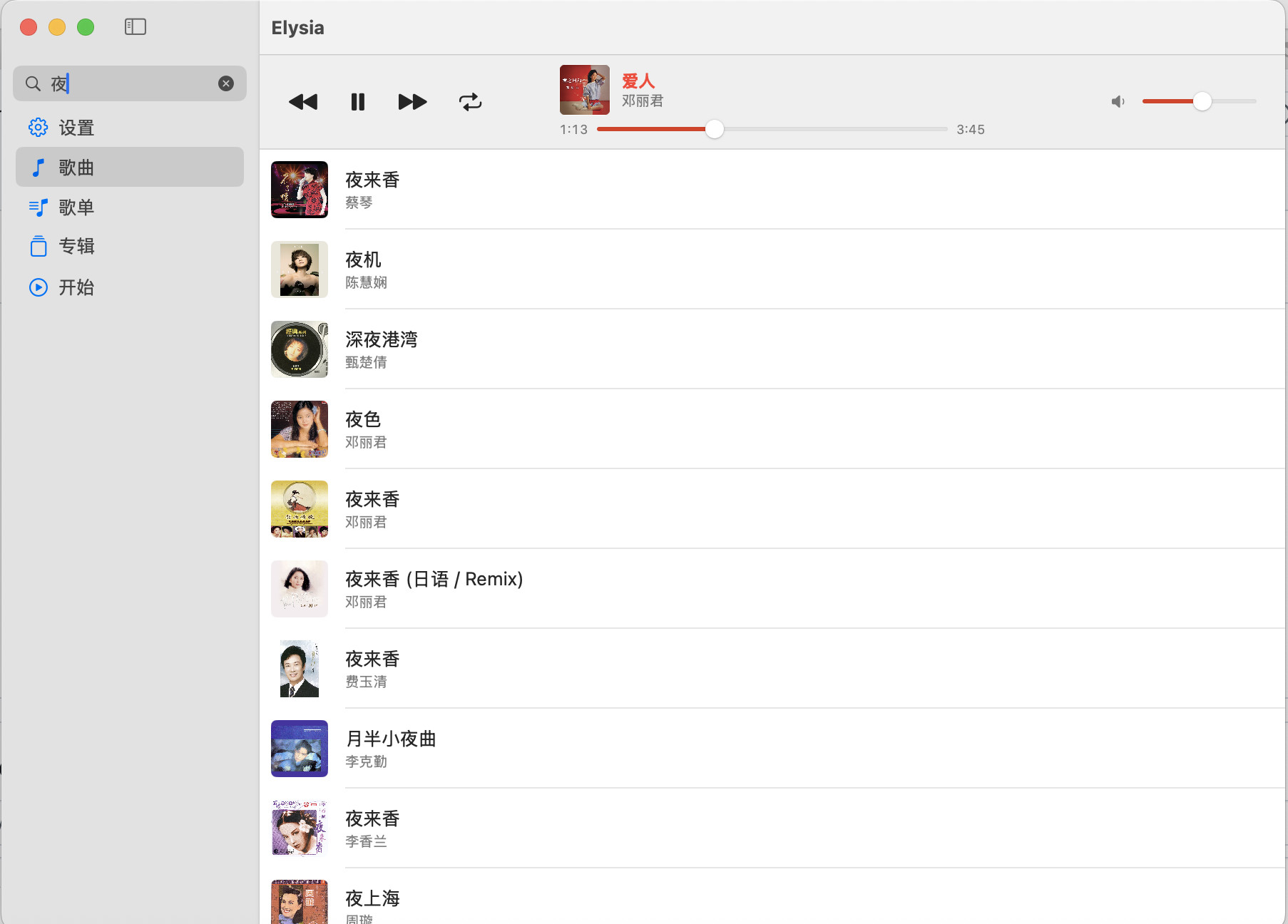
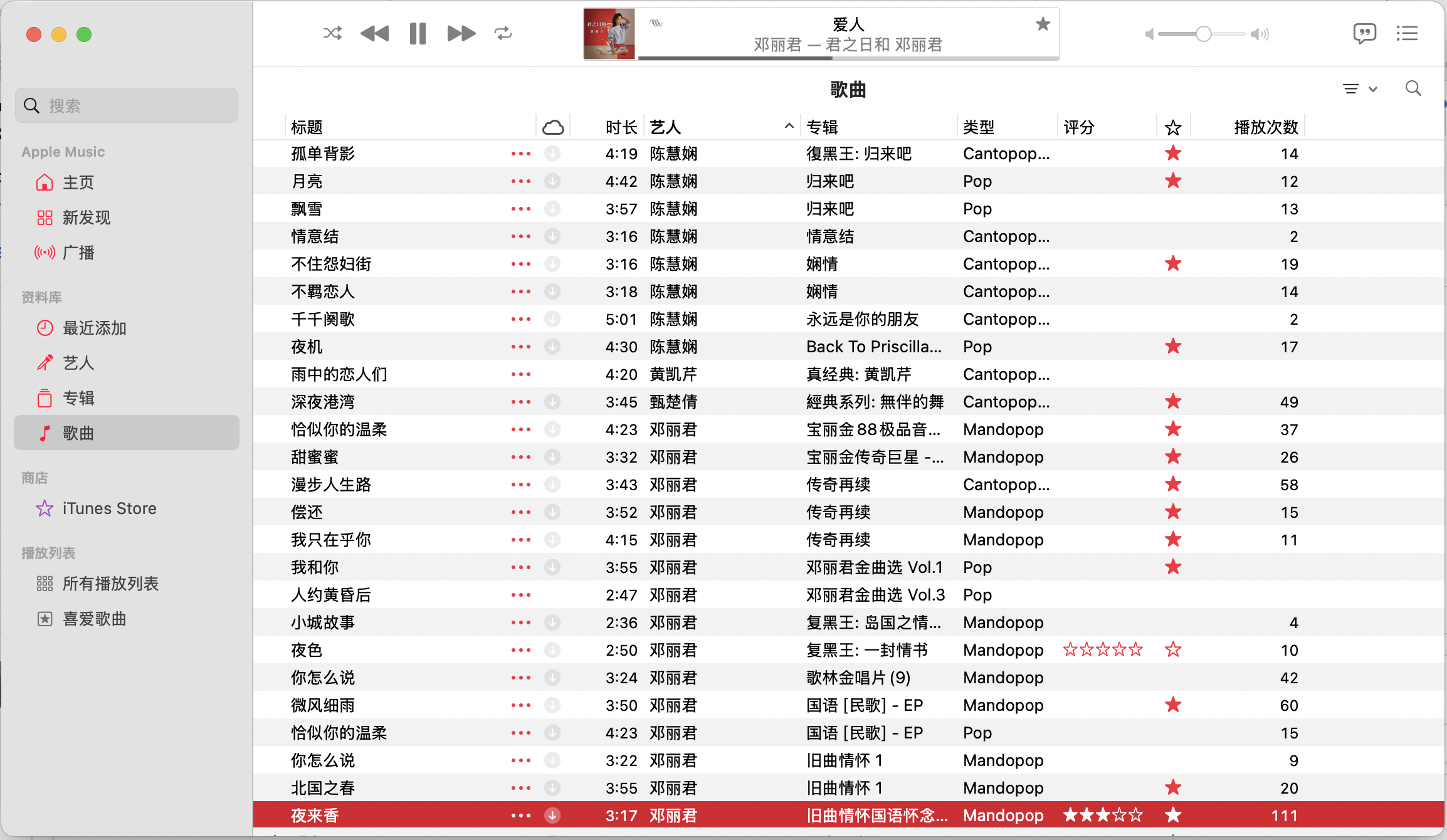
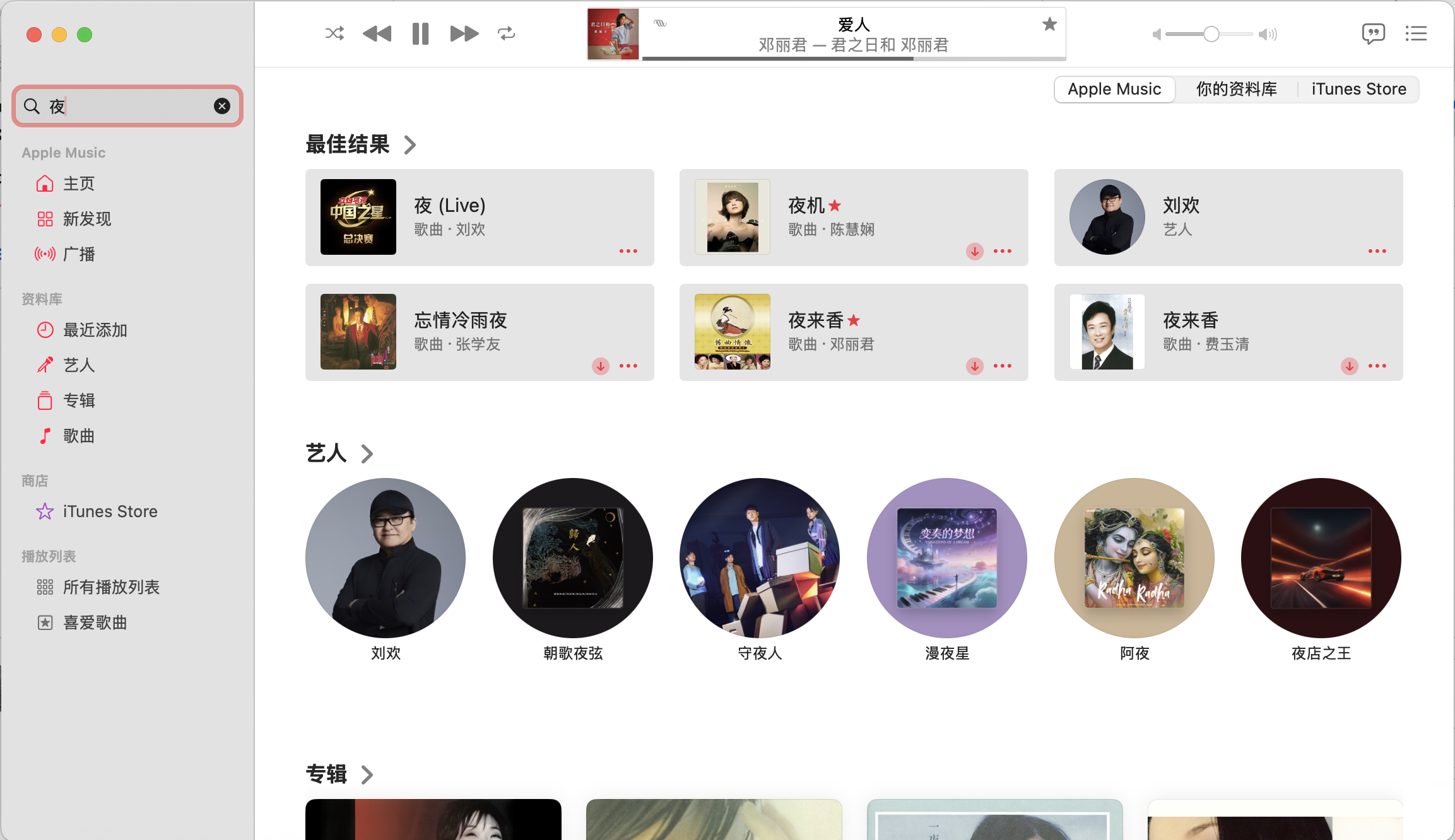
A lightweight front end for Apple Music on macOS. Elysia does not play audio itself: it drives the Music app, so your library, playlists and playback state stay exactly where they are.
macOS 上 Apple Music 的轻量前端。Elysia 本身不播放音频,而是驱动「音乐」App,因此你的资料库、播放列表和播放状态都保持在原处,不会有任何改动。
Elysia
Elysia
Apple Music
Apple Music
Elysia-1.0.0.dmg from the releases page.Elysia-1.0.0.dmg。The released builds are signed but not notarized, which needs a paid Apple Developer account. If macOS reports an unidentified developer, either right-click Elysia in Applications and choose Open, or clear the quarantine flag:
发布的版本已签名,但未公证(公证需要付费的 Apple 开发者账号)。如果 macOS 提示「无法验证开发者」,可在「应用程序」中右键 Elysia 选择打开,或清除下载隔离标记:
$ xattr -dr com.apple.quarantine /Applications/Elysia.app
macOS Ventura (13) and above
macOS Ventura (13) 或更高版本
Apple Music with a library. Elysia drives the Music app rather than playing audio itself.
已建立资料库的 Apple Music。Elysia 只是驱动「音乐」App,本身不播放音频。
The Xcode project is generated from project.yml with XcodeGen, so it is disposable:
Xcode 工程由 XcodeGen 依据 project.yml 生成,因此是可以随时丢弃的产物:
$ xcodegen generate
$ open Elysia.xcodeproj
To build a signed, universal (arm64 + x86_64) DMG into dmg/:
要在 dmg/ 下生成已签名、兼容 Intel 的通用版 DMG:
$ Scripts/package-dmg.sh
Elysia is released under the MIT License. See LICENSE for the full text.
Elysia 以 MIT 许可发布,完整条款见 LICENSE。